Can you post a sample of complete stencil settings? I really need a step-by-step video on “How to make a stencil”. I’ve searched for over an hour for settings examples also.
Thanks so much!
Can you post a sample of complete stencil settings? I really need a step-by-step video on “How to make a stencil”. I’ve searched for over an hour for settings examples also.
Thanks so much!
Hi @srufener
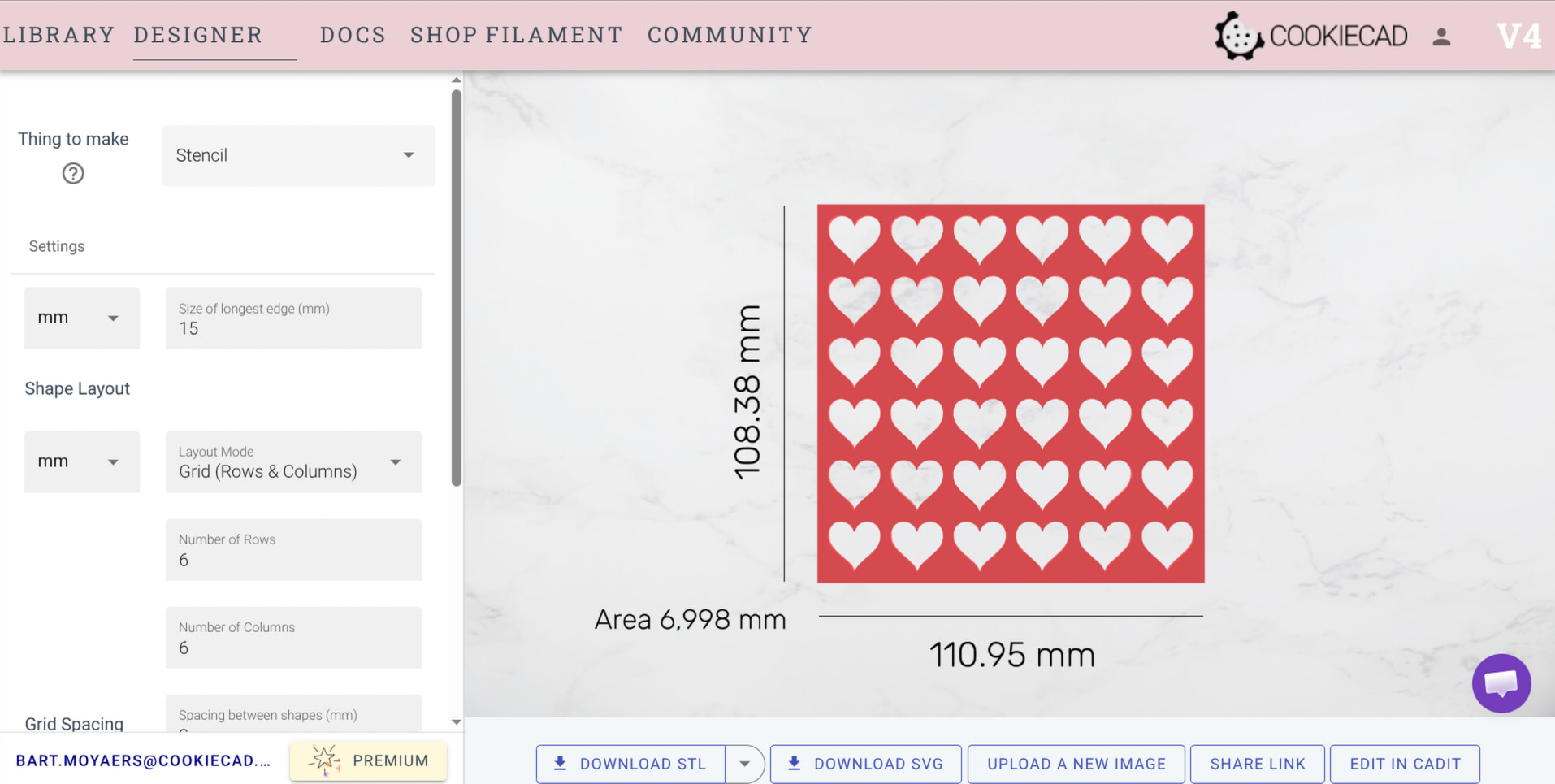
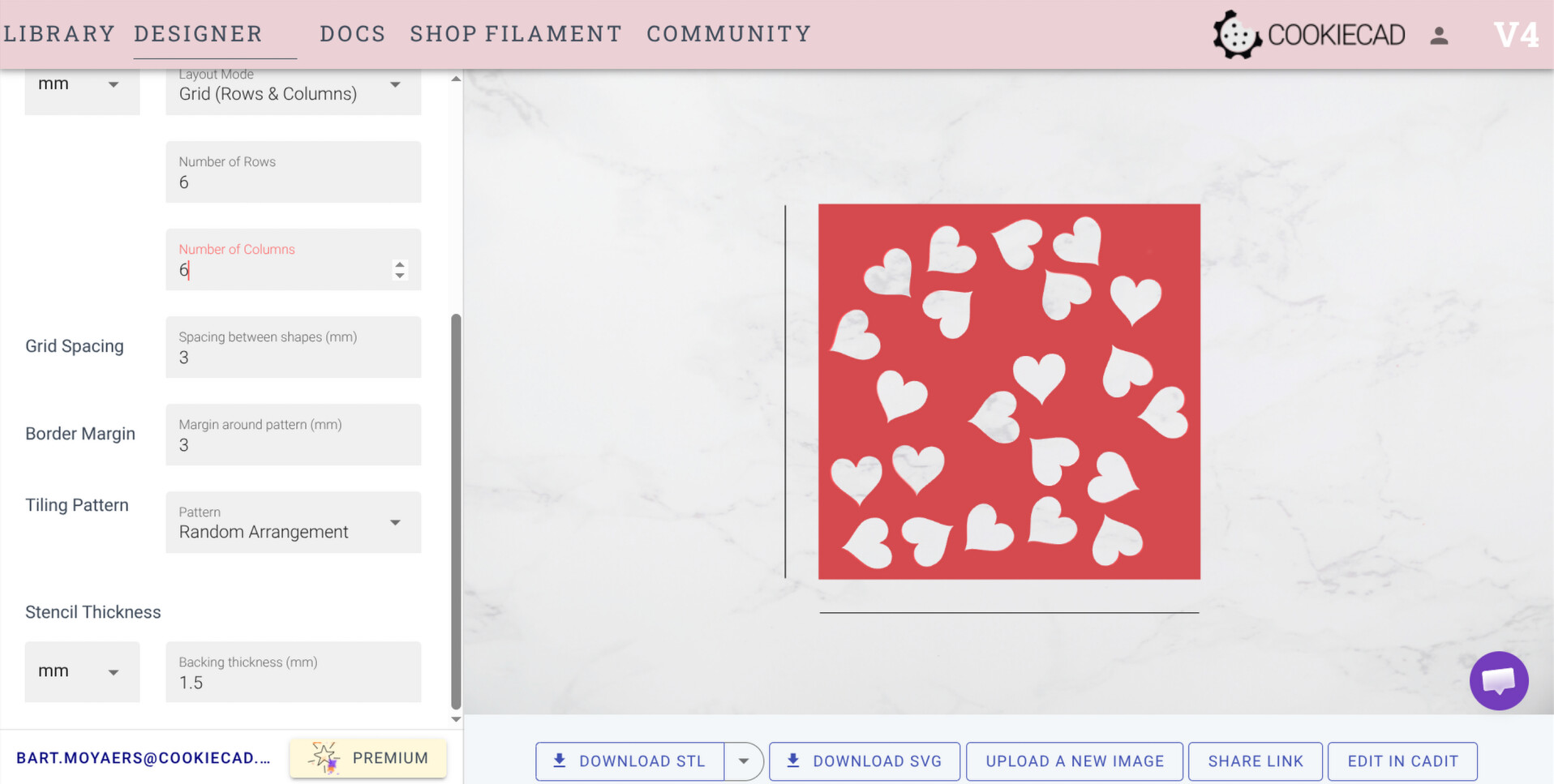
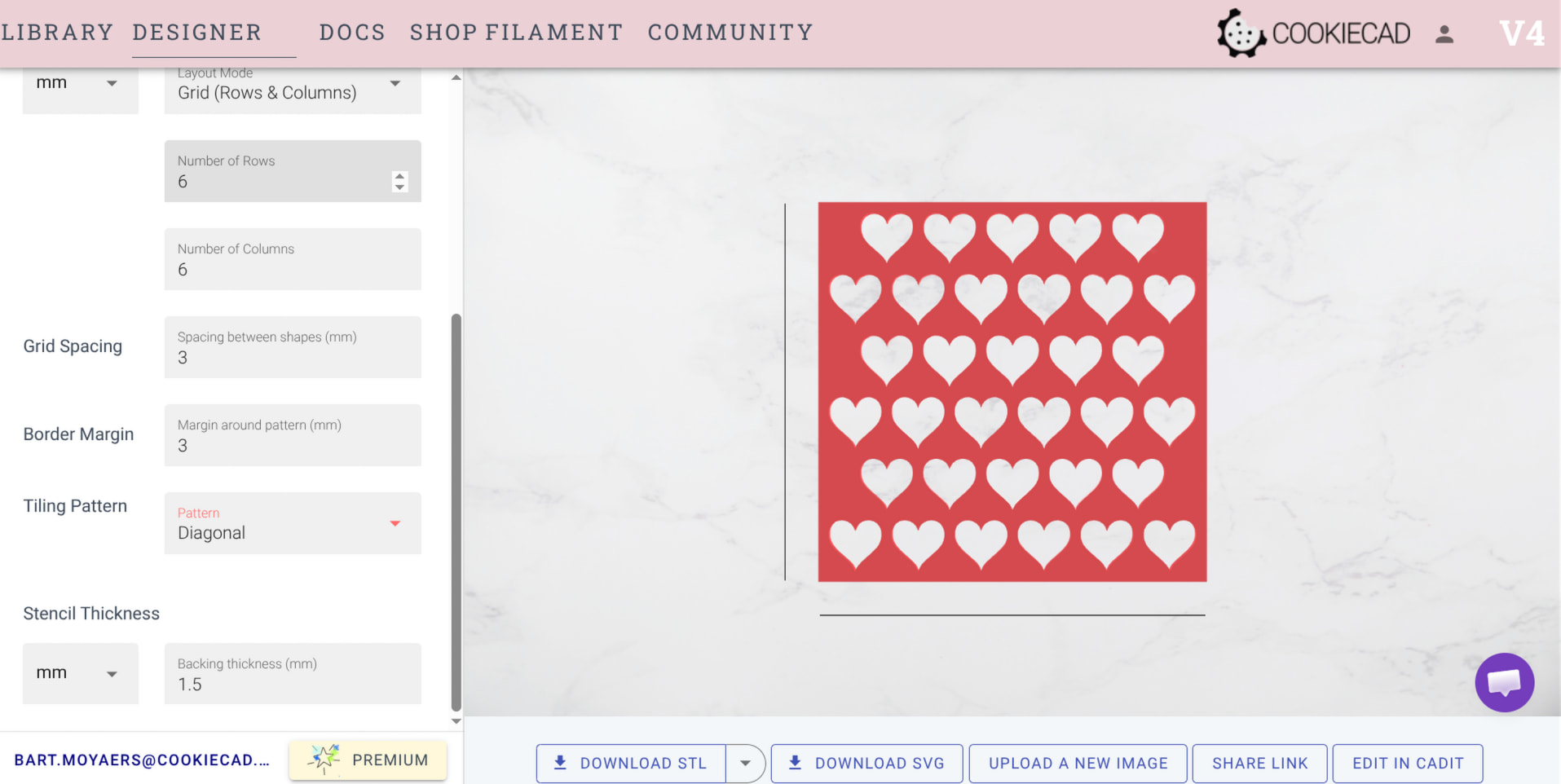
Try the following steps:
Click this link to see the resulting stencil
Let me know if anything doesn’t work as intended. I will look into bugs ASAP.
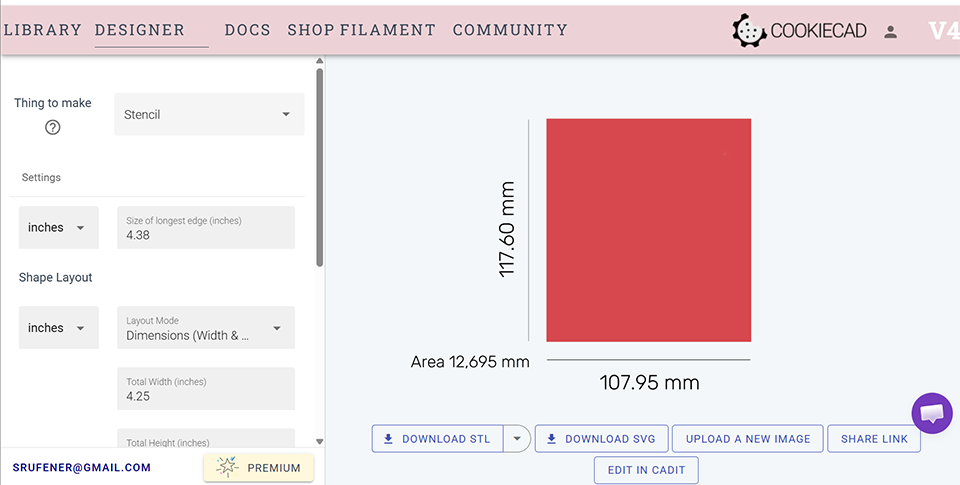
@srufener I see now what is going on, based on the screenshot you posted.
You have the first setting: “Size of longest edge” set to 4.38 inches.
This defines the length of the longest edge of the actual “imprint shape” that will be cut as holes out of the backing plate to form the stencil.
Then, under “Shape Layout” you set the “Total Width” to 4.25 inches. This defines the maximum width of the backing plate.
As the backing plate is now smaller in dimensions than the shape that is to be cut out of it, nothing is cut. And only the backing plate remains, as seen in your screenshot.
We should probably change the “Size of longest edge” setting to have a better name that is more descriptive.
Either way, the solution in your specific case is to lower the “Size of longest edge” value to like 1 inch or less, and then you should see multiple holes cut out of the backing plate, forming a stencil.
Let me know if this helps.
Check out The Colorful Cookie on Facebook. TONS of info, but it is primarily built for the cookie decorator community. I believe the tutorials on stencils would be relevant to any area, though.