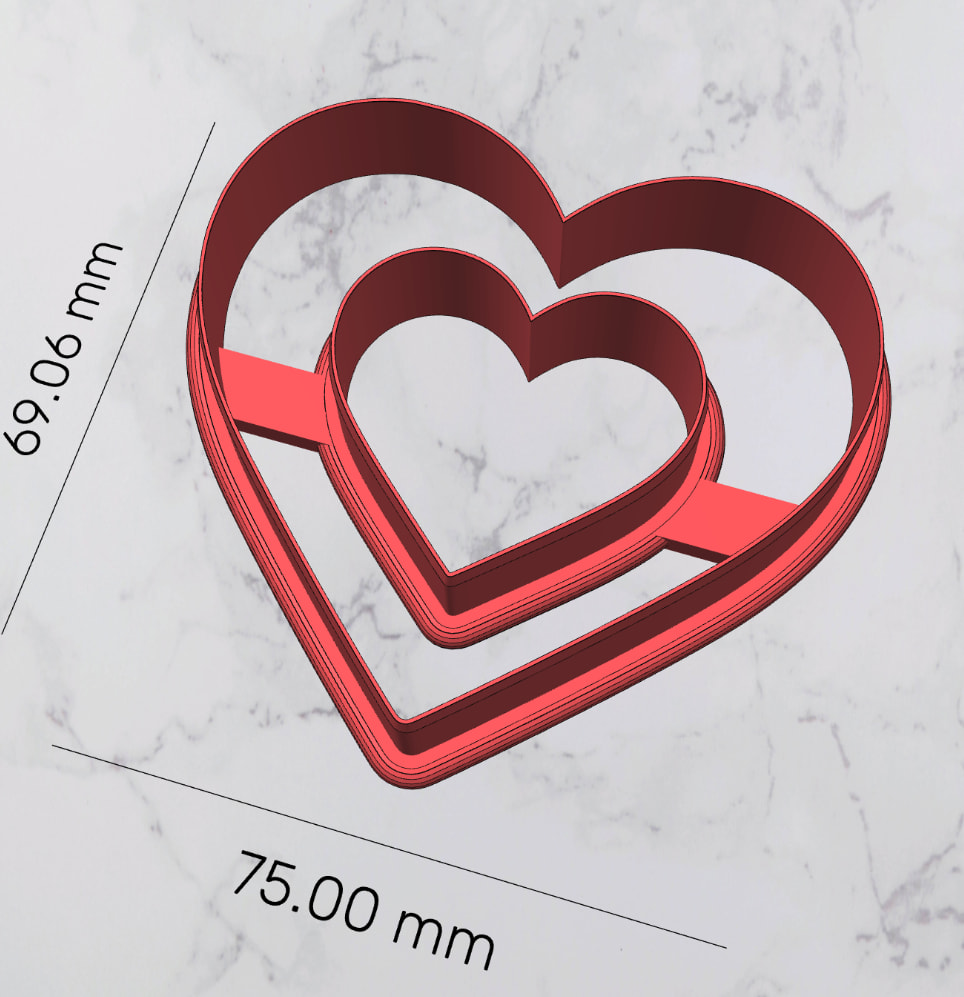
Hi! I’m trying to create a cutter for polymer clay charms/pendants in CookieCAD.
I want the cutter to cut the outer shape AND the small hole inside the charm at the same time.
At the moment, CookieCAD either ignores the inner hole or turns it into an imprint instead of a cutting edge.
How should I prepare my black-and-white image, or which CookieCAD settings should I use, so that the inner hole becomes a real cutting blade too?
I need the inner hole to completely cut through the polymer clay, just like the outer cutting edge — not just emboss or imprint it.
Thank you for your help!