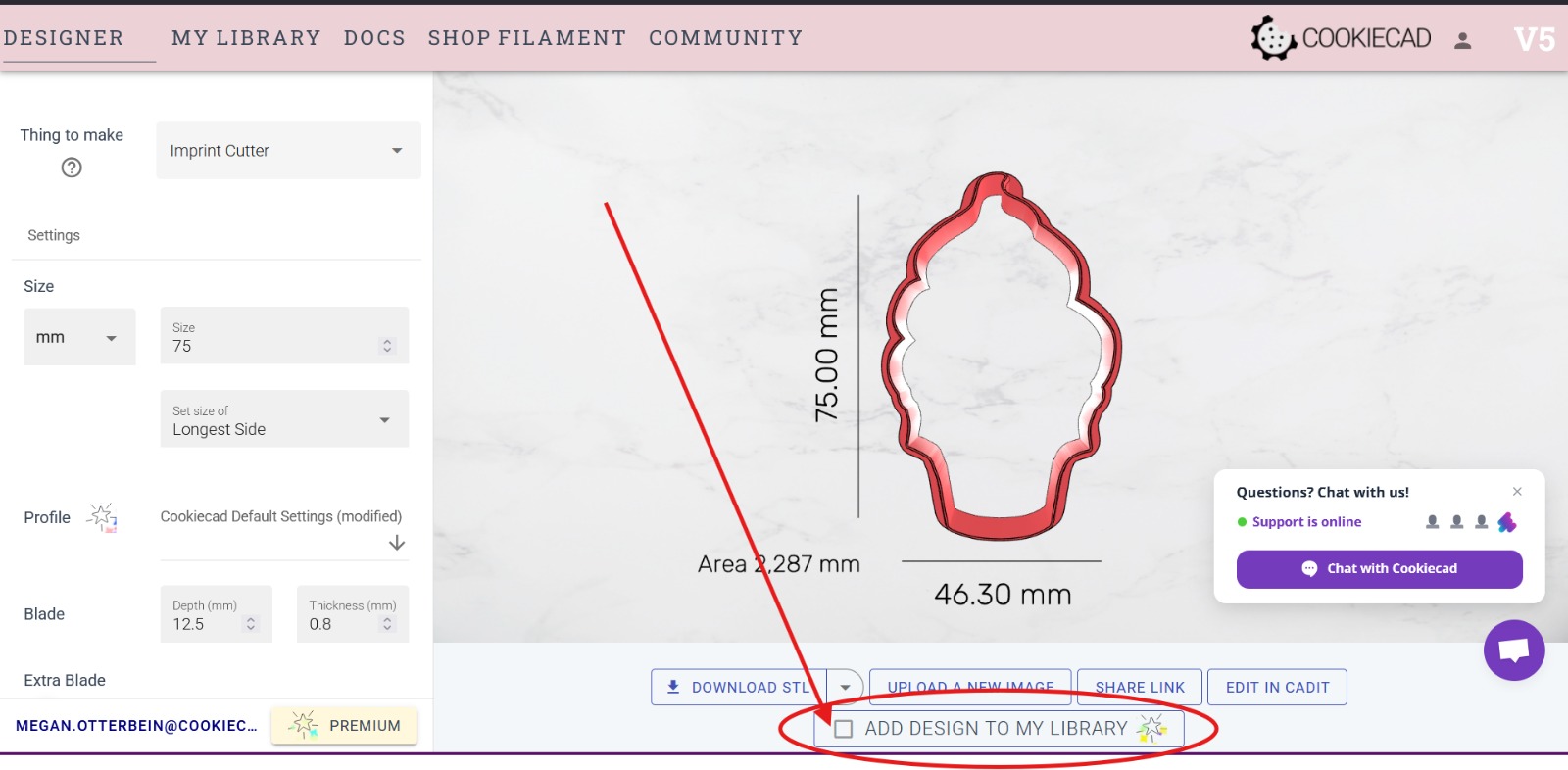
Seems like a silly question but, I have been a premium member for years now. I don’t see where I can save my images to the Library. I was able to in the very beginning, as I have a few images saved but don’t remember how I did it. I don’t see anything on the design page.
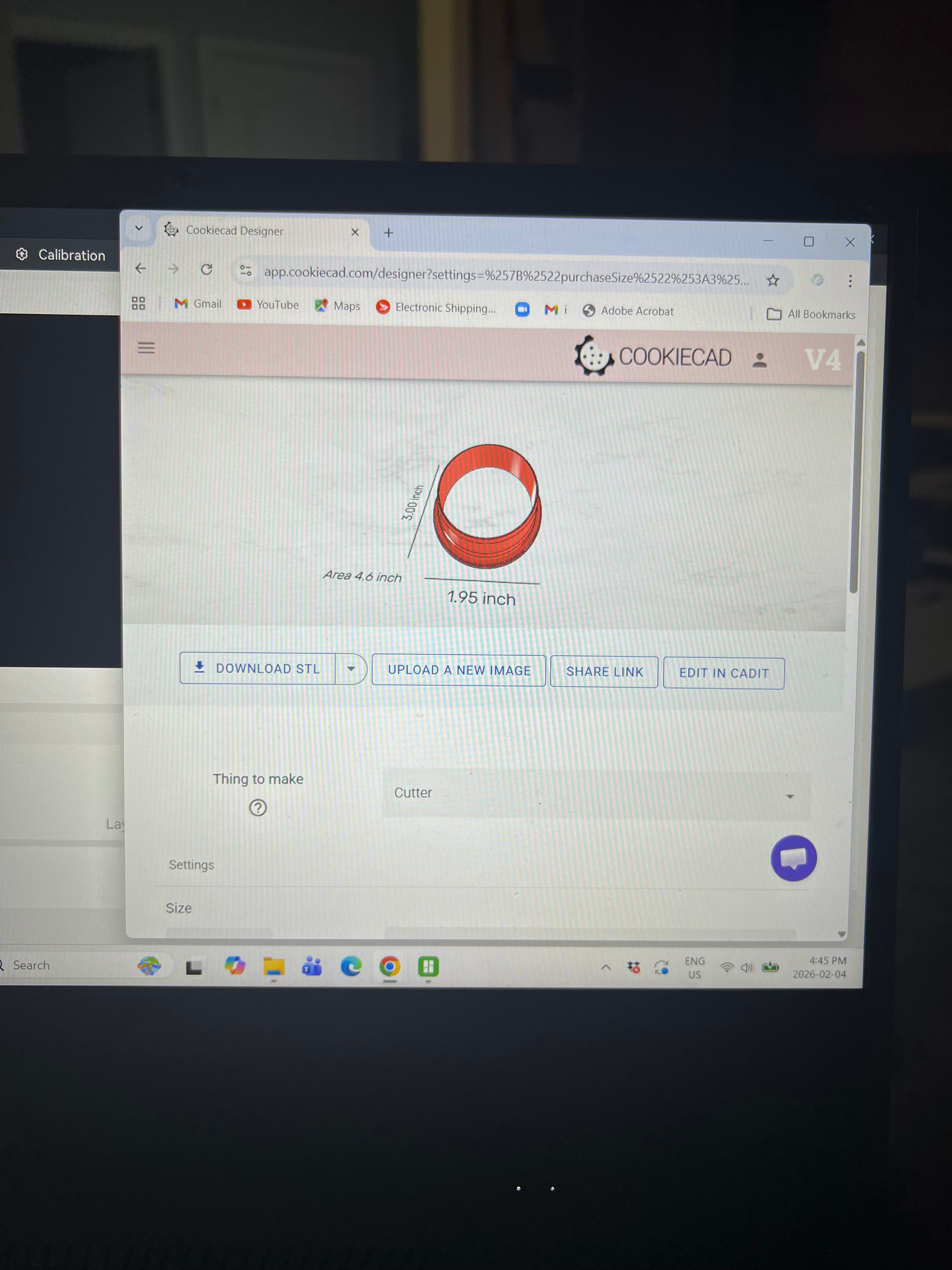
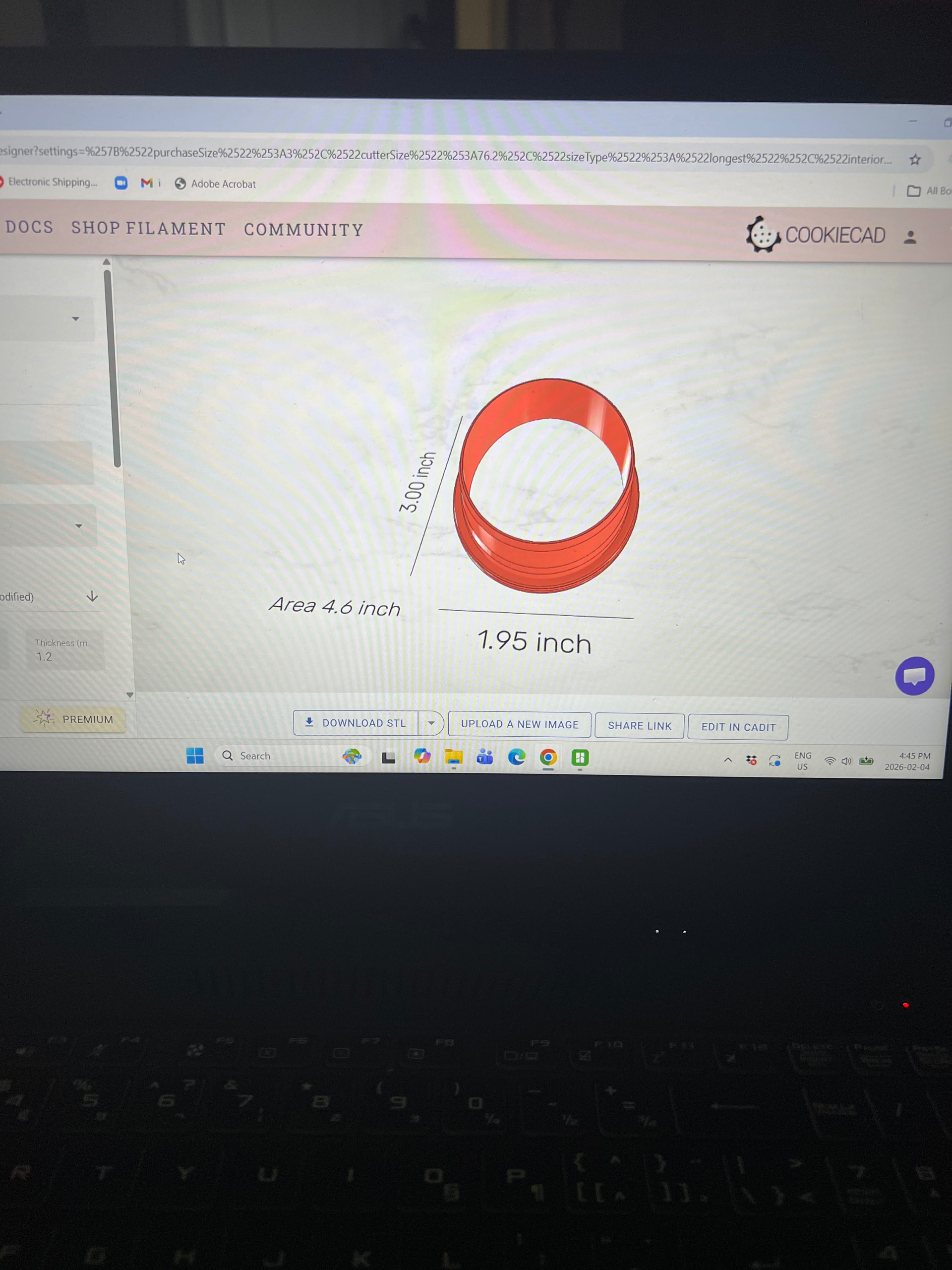
That option doesn’t appear to be on my screen. In full screen mode, underneath download STL etc is covered…so I made my screen smaller so I could see where that would be and still nothing